Category: Elearning

A SCORM-ready template: Part 2E. Add the video player to your learning module

If you are in a hurry, here are two ready-to-use pieces of player code to choose from. All you need to do is choose one, edit a few lines and drop the code into your page. You will need a playlist for both of them, although it can be very simple for the single file player. Save the playlist to the media folder (there is probably a sample one there already in newer modules).

Continue reading

A SCORM-ready template: Part 2A. Add Flash Video to your learning module

What files are required to add video to your learning module?

The player we are using for embedding streaming media into the SCORM template. is the Jeroen Wigering media player. Some of the necessary files are already included in the template and do not need to be touched:

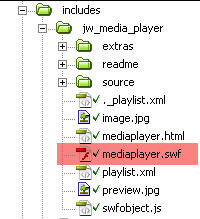
  1. includes/mediaPlayer.swf (already included in template)
    this file generates the player according to the settings you include in the content page.
    mediaPlayer
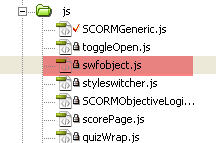
  2. js/swfObject.js (see for more info on swfObject
    this file contains the code necessary to avoid the ActiveX problem with embedded SWFs in Internet Explorer, and generates embed code used by other browsers. A reference to this file already exists in the head of each module page, so you do not need to include it again.
    swfObject
Continue reading

GooberGuide to Adobe Captivate

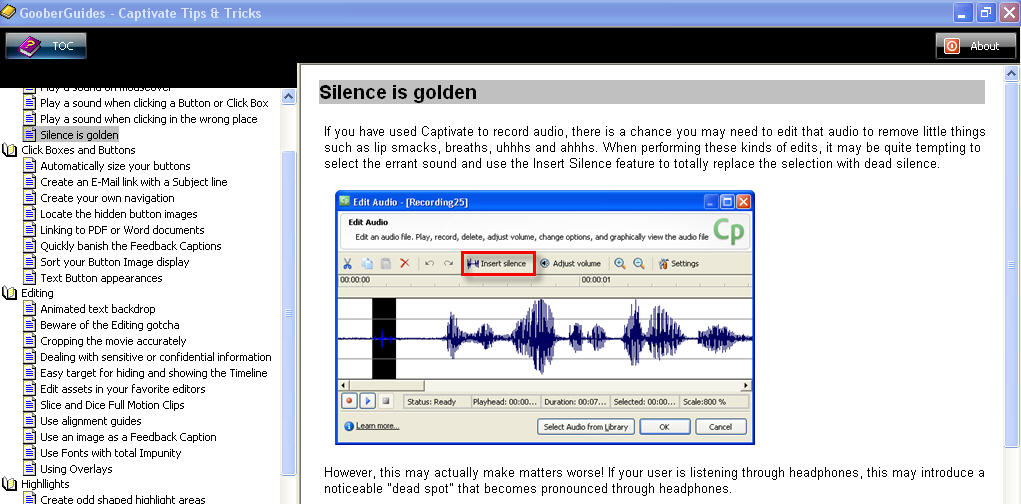
I got a chance to take a look at a new Captivate eBook the other day, GooberGuides – Captivate Tips & Tricks,” and I really wish I’d had this months ago. Captivate Tips and Tricks is a compendium of all the time-saving answers the other books never tell you. For example the tip on how to use wildcard text in text entry boxes would have been well worth the modest price of the ebook when I ran into that problem on a recent project.

ebook.jpg

The chapter on preventing project corruption is brief but extremely useful. If you’ve worked with Captivate for a while, you’ve probably corrupted a project. The tips in this chapter should be on the opening splash screen when you first launch Captivate.

Continue reading

Maximizing the Captivate window automatically

We found that some of our users did not know how to maximize windows (or even that it was possible!), and so never saw the navigation bar and buttons on the bottom of a Captivate-based course they had to take.

The customer who designed the course asked that we add instructions on maximizing the window, but I thought that it would make more sense just to make the window maximize itself.

It’s been a while since I used window sizing functions, so I went hunting for a script that works across all browsers.

After trying several, I found that some “auto-maximize window” scripts don’t even work every time on ANY browser. The one that worked best on every browser I tested it on is available free from Dynamic Drive, here.

Continue reading

Captivate 3 Quizzes marking “failed” when quiz is not completed

We use Captivate 3 quizzes sometimes with our Docent 6.5 LMS. Usually the quizzes have multiple parts or “SCOs” but occasionally we build one that has only one part.

Sometimes people launch a quiz but need to quit before they are done taking it, and in such cases we would prefer it be marked “incomplete” and allow them another chance to take the quiz. Usually we would also prefer any failed quiz to be allowed to be retaken.

But, by default, Captivate sees any failure to reach the mastery score as completions.

There is an easy fix,
suggested by Franck Buland on the Adobe Captivate forums

– simply modify the [project].htm file at lines 95, 96, 97.

Continue reading