September 26, 2010
Drupal YUI Rich Text Editor: Set maximum image dimensions on uploaded images
The search for the perfect WYSIWYG text editor in Drupal goes on. The best I've seen yet is YUI Rich Text Editor, but it still has some serious browser incompatibilities and usability problems. One significant is that there is nothing stopping users from upload a huge image, and not resizing it down using the provided resizing tools. Now that just most cameras produce images of enormous resolution, users in my Drupal sites' users often upload gigantic photos, which remain splashed across the entire layout until I get around to fixing them. I finally got tired of correcting users' posts for them and fixed the CSS so it will never happen again.To fix the problem on your own Drupal site, open style.css for the theme(s) you are using, and add this style at the end:
.content img {
	max-width:550px;
	  width: expression(this.width > 550 ? 550: true);
}
The line
width: expression(this.width > 550 ? 550: true);
is for IE 6, which does not understand "max-width."
September 25, 2010
Troubleshooting iPhone "No-Service" messages, part 3
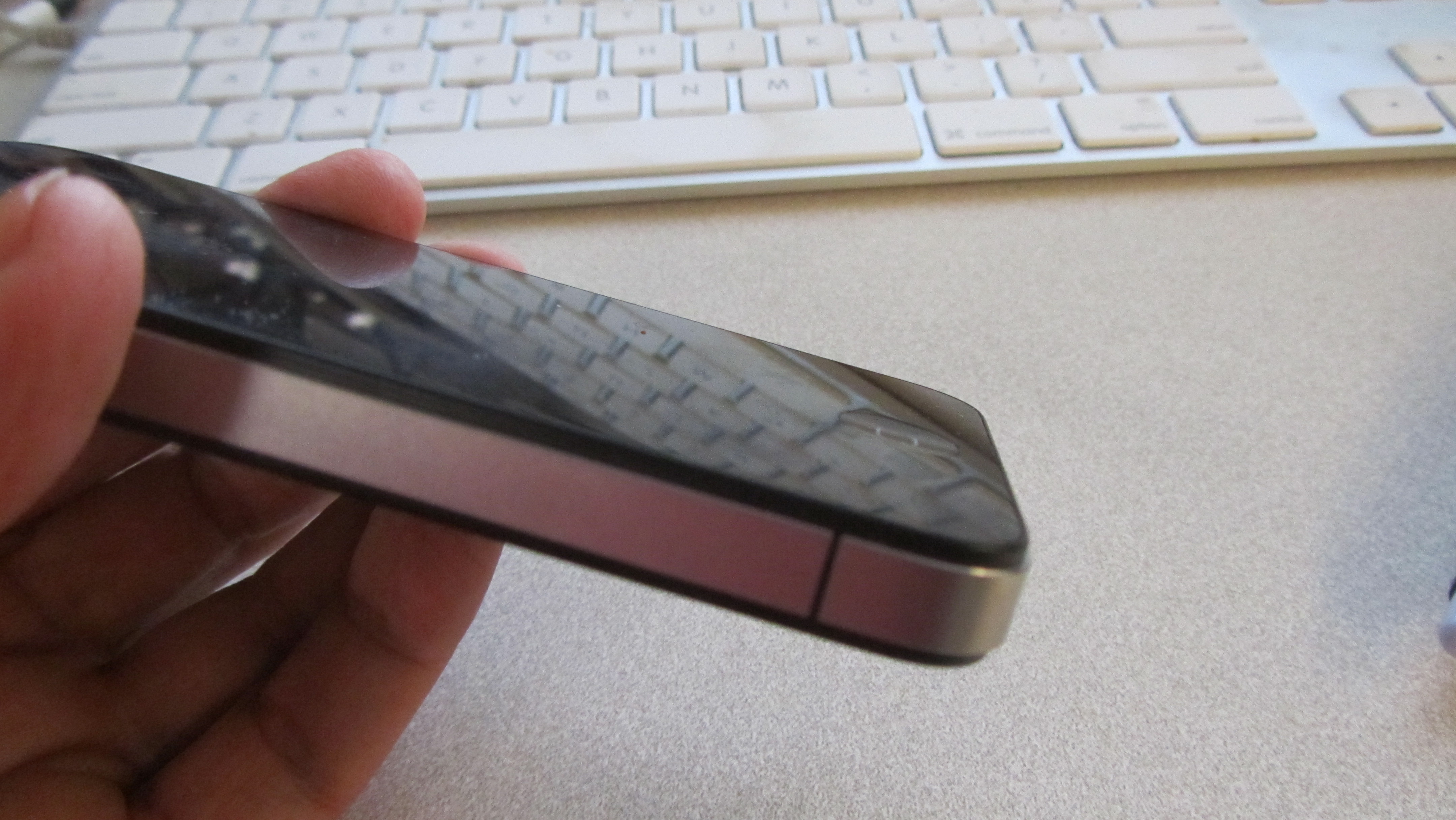
I've written in the past about some of the solutions people have come up with to deal with the dreaded "No-Service" message on an iPhone. But yesterday I realized I'd forgotten one of the easiest to try: make sure your hand is not covering the antenna. Covering the antenna accidentally may not cause you to see "No Service" but the effect will be the same - no bars at all.
Check that your hand is not covering the thin black line on either side of the metal band around the phone, toward the bottom. Move your palm away from it and possibly try restarting the phone. With as much publicity as this got a few months ago, I still forget now and then.
September 23, 2010
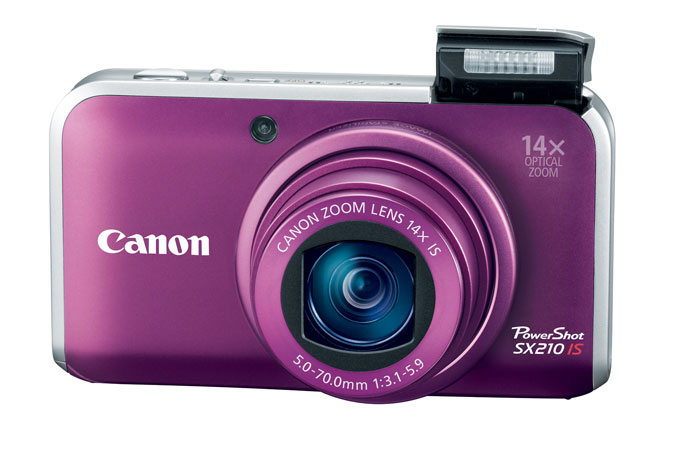
The Canon point-and-shoot space telescope.
Last night's harvest moon was so big I couldn't resist trying to get a shot of it with my little camera, a Canon powershot SX210IS.
It's easier to take pictures of the moon with a point-and-shoot camera in the afternoon, because there is very little contrast between the sky and the moon itself. Here's an afternoon shot taken a few months ago. This was hand-held, at maximum zoom, using the automatic settings. Exposure was .02 sec (1/50), ISO 80. The craters are clearly visible.

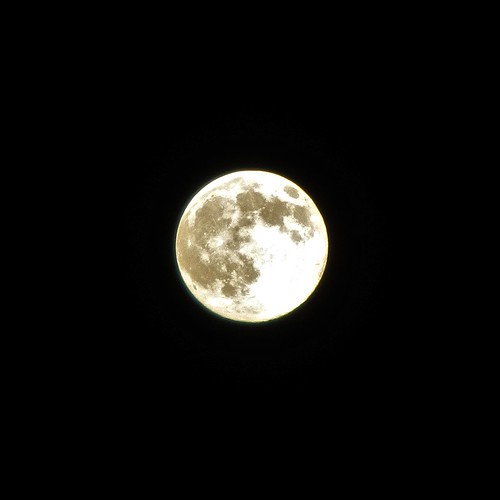
It was much harder to get a clear image of last night's moon because it was so bright against the night sky that using any automatic exposure control resulted in a very bright, glowing moon with no detail, and usually just a bright smear, as the camera attempted to compensate for the dark sky.


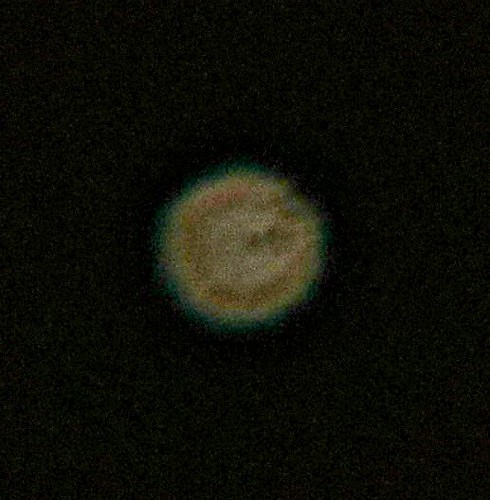
After some experimentation, I settled on this method: With the camera on "P" mode (programmable), set the ISO to the lowest possible (ISO 80), and change the Light Metering Method to "Spot" so that it would only evaluate the center of the moon. I set the timer on a 2-second delay to prevent accidentally moving the camera when pushing the button. Then with the camera resting on the hood of the car, I located the moon and zoomed in on it to 14X. The results were pretty amazing, for this type of camera. It even did a nice job on Venus, which was really just a point of light a little below the moon.
September 21, 2010
Creating an A3 sized document in Google Docs
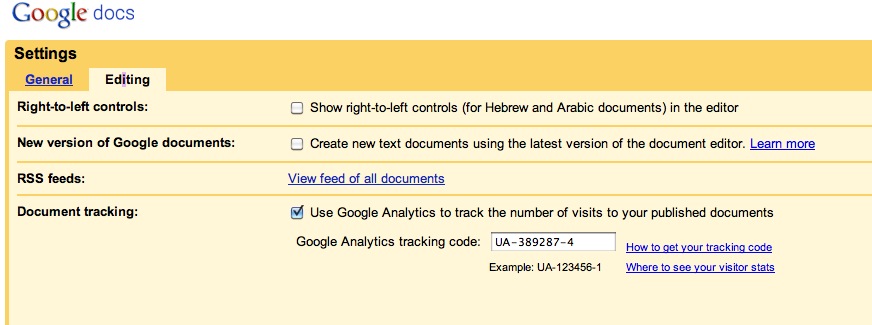
The new version of the Google Docs Document Editor has a lot of features, but a few are only available in the old version of the document editor. These include editing in HTML or CSS, or offline document access via Google Gears. I got used to having access to the CSS stylesheets, and so I set Google Docs' preferences to create all new documents in the OLD version of the editor.
Select the version of the editor in Documents Preferences, as shown below:
But when I needed to create an "A3" sized document recently, I was surprised to see how limited the available sizes were:
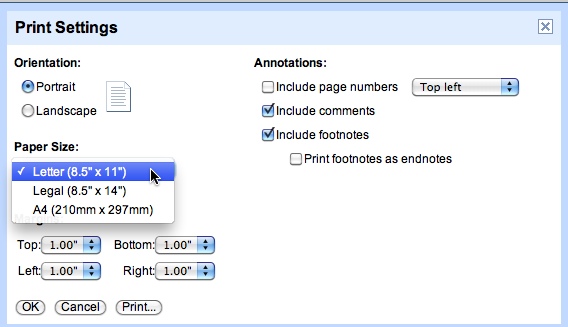
Very few sizes at all, and definitely no A3! Off I went to the Help Center. Oddly for a Search company, searching their Help Center is an incredibly frustrating experience. Querying on "A3", "Page Sizes", "Print sizes" all generate a lot of useless or misleading results.
Searching the Help Forums pulled up some useful but not current information:
To create custom sizes in Google Docs, go to File > Edit CSS and type in
@page { size: A3 landscape !important; }
This appeared to work at first, but on closer inspection created a wide document whose size was not rigidly controlled on screen and could not be printed at that size.
Finally I completely recreated the document in the new version of the editor and found that many new page sizes are available, including A3.
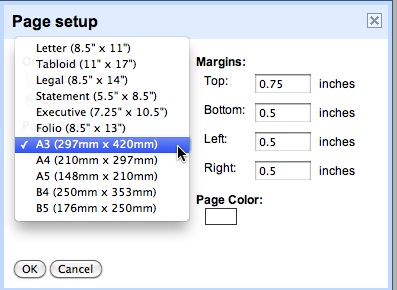
So be careful about selecting the old editor - you lose some control by using the new one, but it may be worth it.
September 1, 2010
How to tell what version of IIS you are running
In most Windows applications, the version number is listed under Help > About. For some reason, IIS Manager is an exception. There are significant differnces between versions of IIS, so it's crucial to know which one is on the server.
Look for it in the right pane of IIS Manager, under the Version column. The column may be obscured if you keep the window rather small, as I usually do.
