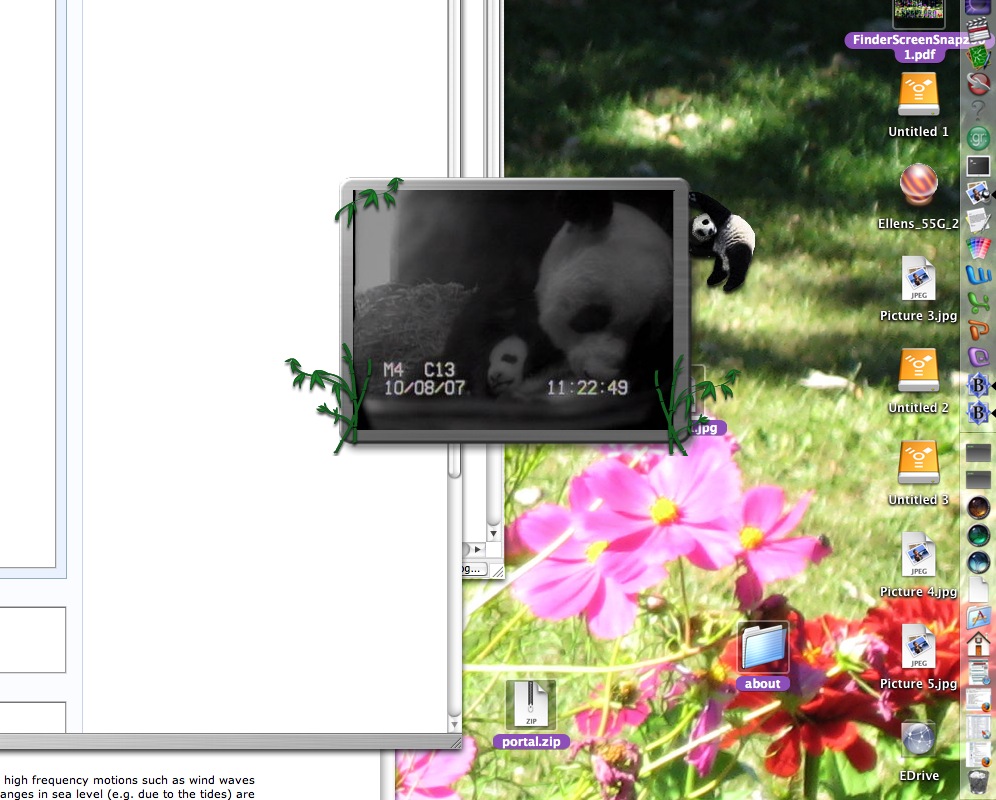
Thanks to Dave Taylor, I now have the PandaCam widget visible on my desktop all the time. No need to hit F12 to see if the Pandas are doing something cute.
Per Dave's instructions, just open the Terminal, and type:
defaults write com.apple.dashboard devmode YES
You should get another system prompt (">").
Then log out and log in again.
Hit F12 to show the widgets, and click and hold the one you want to have display all the time. Keep the mouse down, and press F12 again.
That's all there is to it!
 Comments
 Post a comment