April 29, 2012
Mandelbulb 3D: Sarcophagus Variations Parameter Pack
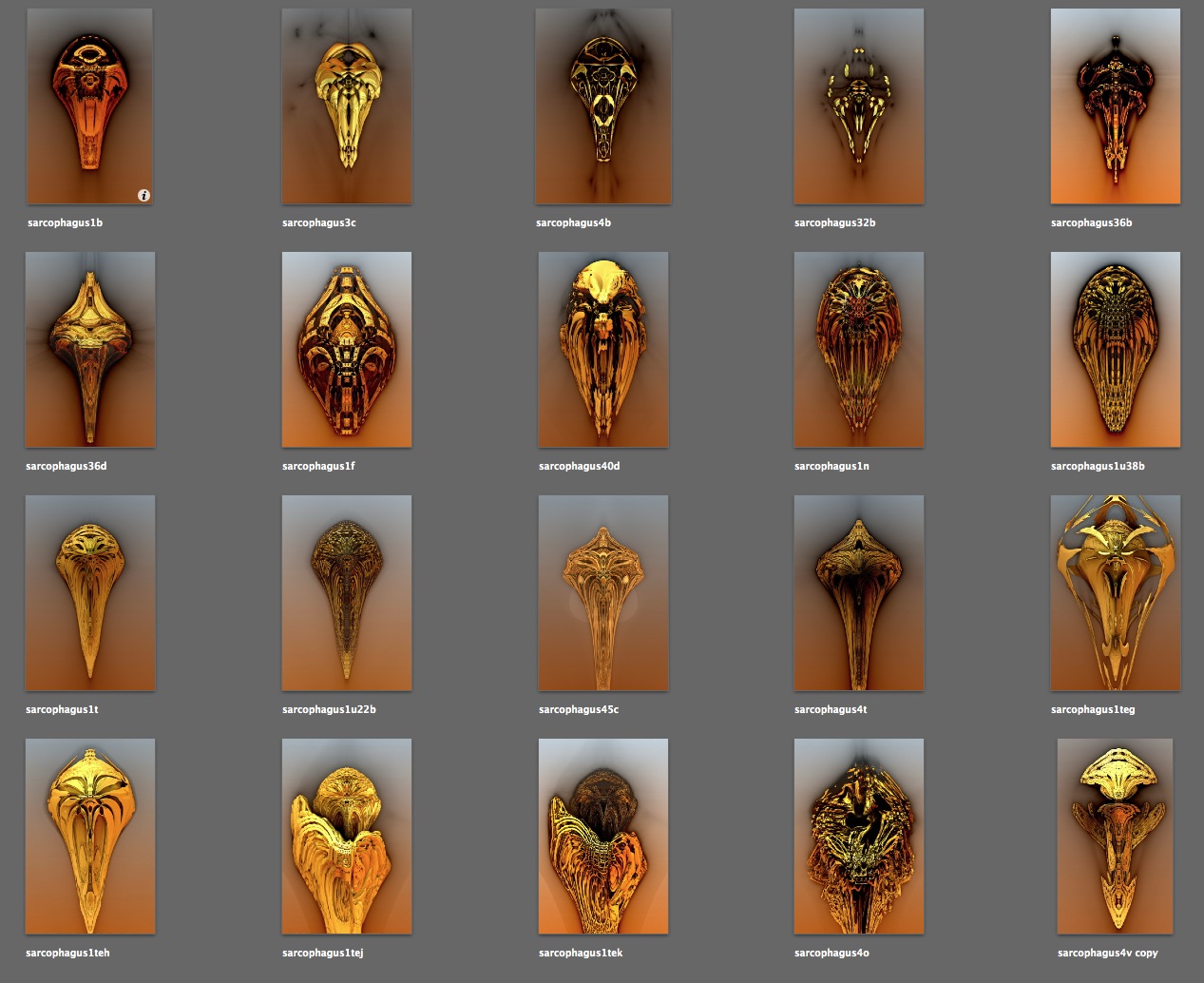
For the Mandelbulb 3D enthusiasts out there, I'm putting up some of my best images along with their formulas. Click here to see the complete list.
Here's a parameter pack for a series of images that remind me of Egyptian sarcophagi. If you do something nice with them, drop me a line! I'm ellenm1 on Flickr, or ellen@thedesignspace.net.
Download them now:
sarcophagus_pack.zip
April 16, 2012
Update on exporting highlights from your Kindle
There have been a few interface updates to Amazon's Kindle page since I last wrote about it, but there remains a strange lack of comprehension on the part of Amazon, that people might actually want to use their highlights. There is still no obvious way to export the data.
For those with Macs, I've come up with a workaround, and perhaps there is something similar on the PC side.
In Safari, go to http://kindle.amazon.com and sign in. At the top of the page, you'll see this list of links. Click on "Your Highlights".

Here you'll see all your highlights, but they are not easily copied and exported. We need to turn the page into a simpler format. Safari makes this pretty simple with the Reader format.
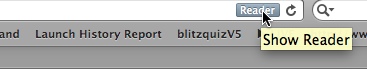
When the page opens in Reader, it will be converted to an easy-to-export format. Mouse-over the page to see the icons at the bottom.
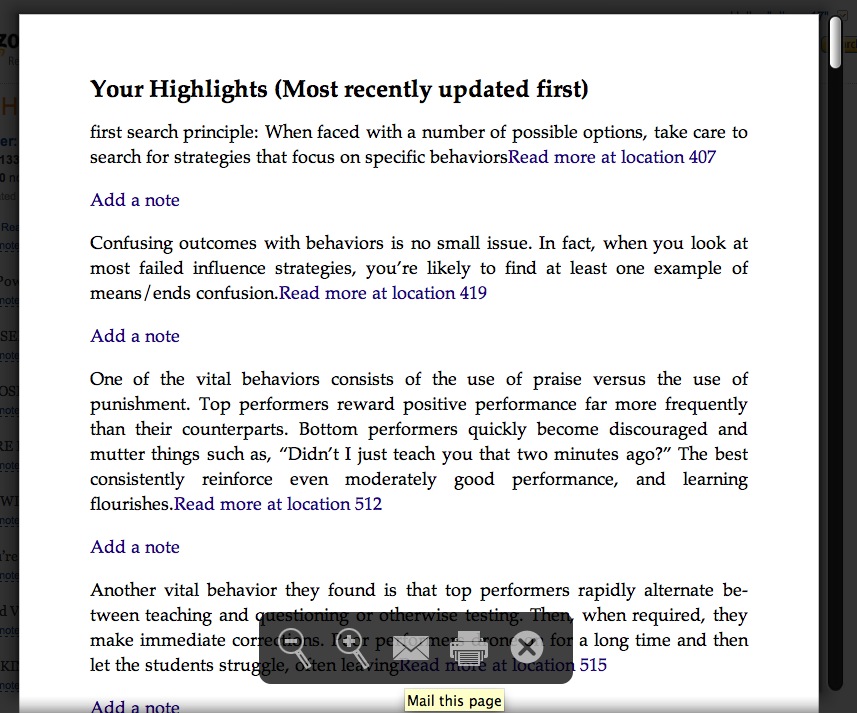
To export the text, click the envelope icon at the bottom of the page (the "mail this page" icon). Depending on what you need to do with the text this may be as far as you need to go: it can now be copied or mailed. However if you need plain text, there is one more step.
Select "Make Plain Text" from the Format menu.
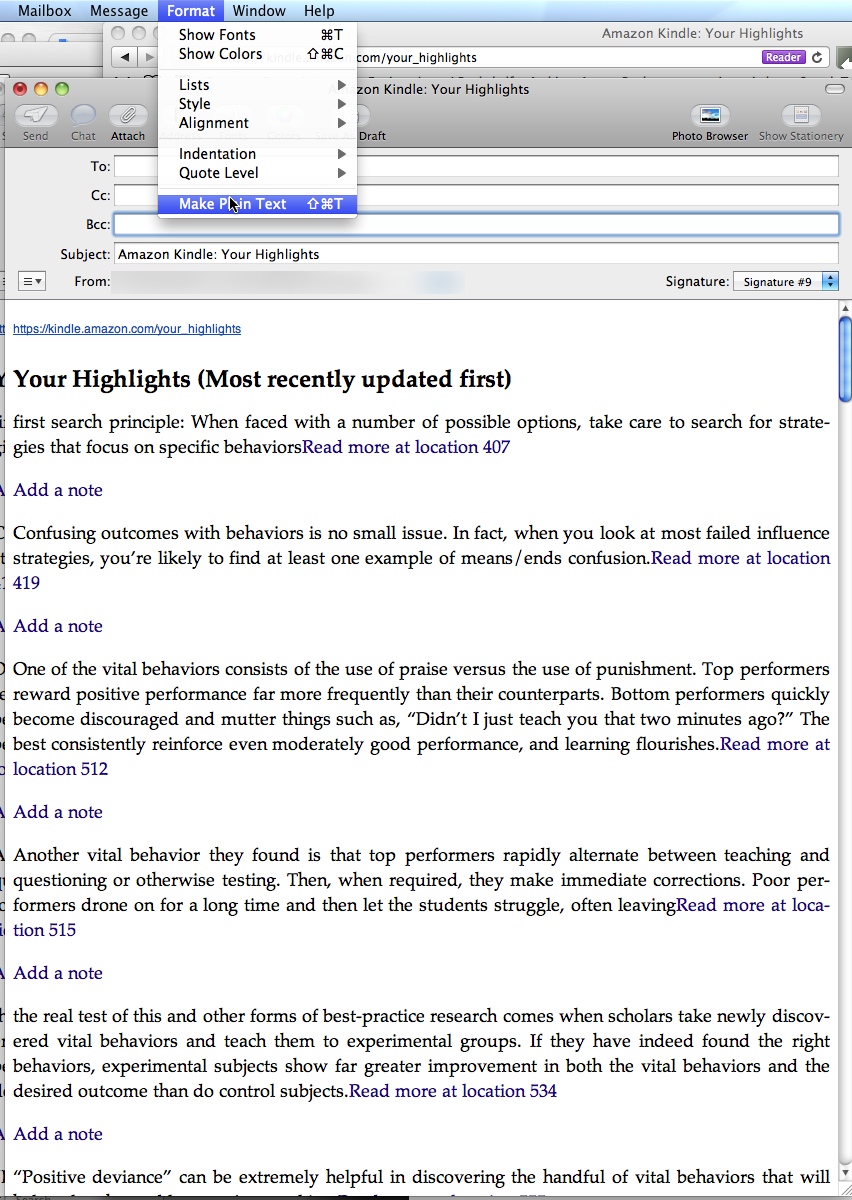
Your highlights will be converted to plain text in another email.
